What Are the Top PoE Splitter Types in 2026?
Choosing a Poe Splitter in 2026 is not just a matter of matching plugs. The right model separates power from network data and delivers an output that the connected device can safely use. A small mismatch can leave a camera restarting, a router offline, or an installation needlessly complicated. Details matter.
This guide compares common Poe Splitter types, including active and passive designs, single-voltage and selectable-output models, and units with different Ethernet and power connectors. Active splitters negotiate with compatible PoE equipment; passive models may not, so their power source and voltage requirements deserve close attention. Always check the splitter’s supported PoE standard, input range, output voltage, current capacity, and connector polarity against the device specifications. A label alone is not enough.
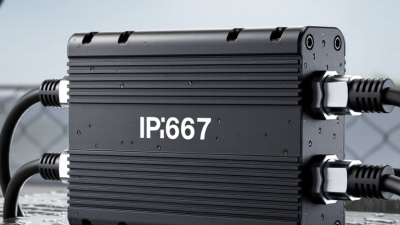
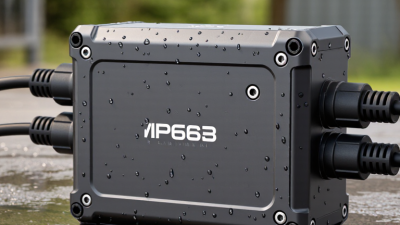
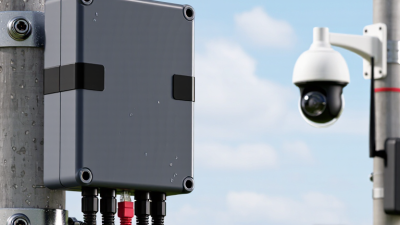
Real installations vary. A compact splitter for a low-power camera may suit one setup, while an industrial device may need a wider input range or a more durable enclosure. Cable length, heat, and mounting space can also affect reliability. These are easy details to overlook. The product categories can blur, too, because manufacturers do not always use labels consistently. This article offers a practical way to compare options, understand their trade-offs, and narrow the choice for your equipment. No single type is best for every network; compatibility should come before price or convenience.
What a PoE Splitter Does and How It Works
What Are the Top PoE Splitter Types in 2026?
What a PoE Splitter Does and How It Works
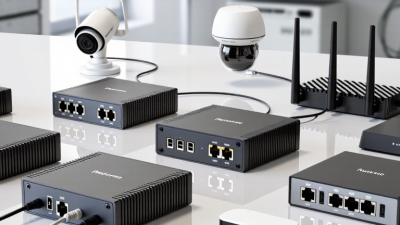
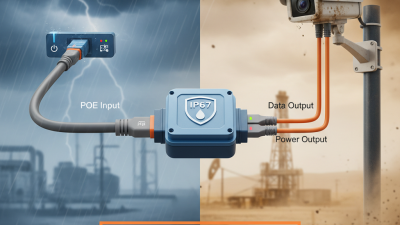
A Power over Ethernet (PoE) splitter takes a combined power-and-data signal from one Ethernet cable and separates it at the device end. Data continues through an Ethernet port, while power leaves through a separate connector, often a small DC plug. This lets a non-PoE device, such as a compact camera or access point, use a PoE-enabled network connection. The splitter does not create power. A PoE switch or injector must supply it.
Inside the splitter, circuitry manages the incoming PoE voltage and provides the output required by the connected device. Check the device’s voltage, connector size, and power draw before choosing a splitter. Also confirm that the splitter supports the PoE standard and power level available from the source. A mismatch can mean no power, unstable operation, or a device that will not start. One easy detail to miss is polarity on some DC outputs; check the specifications rather than guessing from the plug.
Tips: Match the splitter’s output voltage to the device exactly. Leave a little power headroom, and test the setup with the actual cable length. If the device reboots under load, revisit the power budget and connections.
Top PoE Splitter Types in 2026: Power by IEEE PoE Type
PoE splitters take power and data from one Ethernet cable, separate them, and convert the power to a device-compatible DC voltage. Active splitters work with IEEE-standard PoE and negotiate power with the source; passive splitters do not negotiate and require compatible equipment. The chart shows the IEEE maximum power delivered to a powered device—not guaranteed splitter output. Actual output depends on the splitter’s specifications and conversion losses.
The Main PoE Splitter Types Available in 2026
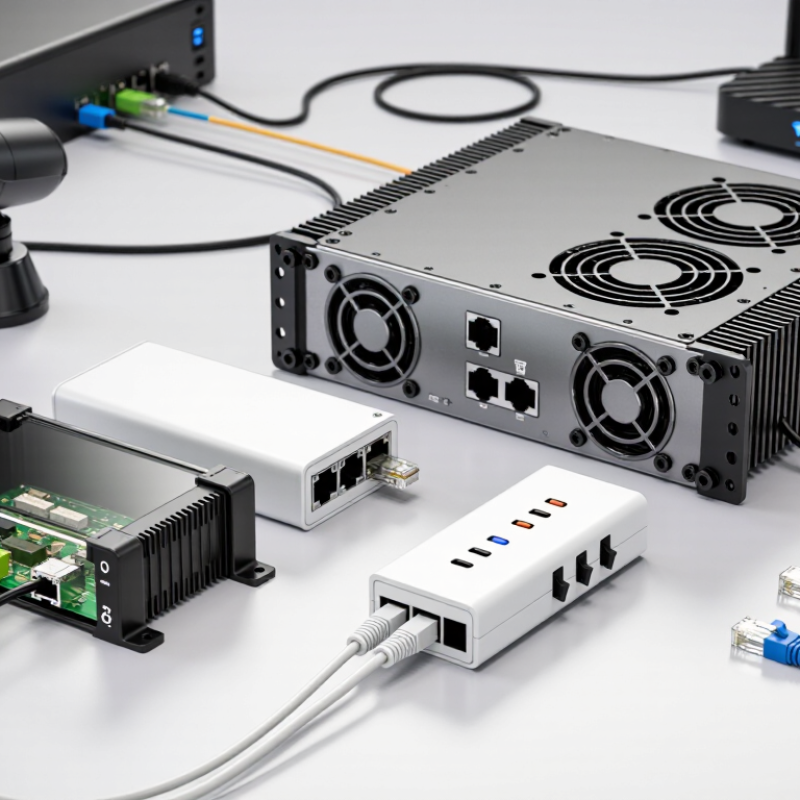
PoE splitters in 2026 vary by output voltage, network speed, and connector. A splitter takes power and data from one Ethernet cable, then separates them for a device. Fixed-voltage models provide common outputs such as 5V, 12V, or 24V. Check the device’s voltage, current, and connector polarity before connecting it. Small mismatches matter.
USB-output splitters suit devices powered through USB, but their capabilities differ. A USB connector alone does not guarantee support for USB Power Delivery or every charging mode. For network performance, choose between 10/100 Mbps and Gigabit Ethernet models. A camera may work well at 100 Mbps, while a faster access point can benefit from Gigabit throughput.
Another useful distinction is PoE-standard compatibility. Standard-aware splitters are designed to work with compatible IEEE PoE sources; passive models may deliver power without negotiation. Match the splitter to the power source and the device’s needs. Barrel plugs, terminal blocks, and USB connectors also affect installation. Labels can be confusing, and product categories sometimes overlap. Read the input range and output specifications carefully, rather than relying on the word “PoE” alone.
PoE Splitters Classified by Output Voltage and Connector
What Are the Top PoE Splitter Types in 2026?
PoE Splitters Classified by Output Voltage and Connector
A PoE splitter separates network data from incoming power, then supplies a device with a suitable DC output. The right type depends on the device’s voltage, current draw, and connector. Common output choices include 5V, 9V, 12V, and 24V. Check the device label or manual before choosing; matching voltage alone is not enough.
Connector style matters, too. A barrel plug is common on small routers and cameras, but barrel sizes and polarity can differ. USB outputs suit some compact devices, while screw terminals can work for equipment with exposed power leads. Measure carefully. A connector that looks right may still fit loosely or connect with reversed polarity. Also confirm the splitter’s current rating and total power budget under load.
Tips: Match the output voltage exactly, then verify the connector dimensions, polarity, and current rating. Test the splitter with the intended device before mounting it in a hard-to-reach spot. A small mismatch can cause resets or prevent startup. It is easy to focus on connector shape and overlook cable quality; that deserves a second look.
How PoE Standards Affect Splitter Compatibility
PoE splitter compatibility depends on both the power standard and the splitter’s output. IEEE 802.3-2022 lists up to 15.4 watts at the source for 802.3af, with at least 12.95 watts available at the powered device. Under 802.3at, those figures rise to 30 watts and 25.5 watts. Higher-demand devices may need 802.3bt, which supports up to 90 watts at the source and 71.3 watts at the device. These are standard limits, not a promise that every splitter can deliver its rated output. Small differences matter.
An active splitter detects and negotiates with the power source; a passive model may not. That distinction can decide whether a camera starts reliably or simply stays dark. Match the splitter’s input standard to the switch or injector, then check its output voltage, connector, and wattage against the device label. Check the label. A 12-volt device will not safely accept a splitter configured for 5 volts—or the reverse. Allow room for cable loss and startup demand, especially on long runs. IEEE’s figures describe power available at defined points in the system; they do not account for every cable or load. A compatibility check can feel tedious, but skipping one is an easy mistake.
How to Choose a PoE Splitter for a Specific Device
What Are the Top PoE Splitter Types in 2026? Choosing one for a specific device means checking its power and data requirements before comparing features. A splitter separates Ethernet data from power, then supplies the device through a separate connector. Common options include fixed-voltage models, selectable-voltage models, and USB-output splitters. Some support only 10/100 Mbps Ethernet, while others pass gigabit data. Check the label. The splitter’s output voltage must match the device, and its connector must fit securely. A barrel plug can look right but still have the wrong polarity or size.
Match the splitter’s PoE input to the network switch or injector, such as 802.3af or 802.3at. Higher-power devices may need 802.3bt support, but a splitter cannot create power that the source does not provide. Compare the device’s stated wattage with the splitter’s output rating, allowing for conversion losses. Small mismatch, big hassle. For a wireless access point, confirm both its voltage and Ethernet speed; for a camera, also check its peak power draw when infrared lights turn on. A USB-powered device may suit a USB splitter, though cable length and voltage still matter. One detail that is easy to overlook is heat: a splitter tucked into a sealed cabinet may need more breathing room. Verify the specifications against the device manual, and test the setup before mounting it out of reach.